
Volunteer Certificate Generator & Validator
1. Enter Details
2. Live Preview
Tier: EntryCERTIFICATE OF APPRECIATION
For dedicated service as a [Role]
Total Contribution: [0] hours
Period: [Date Range]
You’ve just wrapped up a massive community cleanup. The volunteers are tired, muddy, but smiling. They did the work, showed up early, and stayed late. Now they need proof. Not just a high-five, but a document that says, "Yes, this person contributed 40 hours of their life to make our city cleaner." That piece of paper is a volunteer certificate. It’s more than stationery; it’s a record of civic engagement, a resume booster for students, and a legal acknowledgment of service for tax or court purposes.
Creating one sounds simple until you stare at a blank Word doc. What goes in the header? Do you list hours? Who signs it? Does it need a seal? If you’re running a non-profit organization, getting this right matters. A sloppy certificate feels like an afterthought. A well-crafted one builds trust and keeps people coming back. Let’s break down exactly how to create one that actually means something.
Why You Need More Than Just a Handshake
Think about why someone volunteers. Sure, altruism is the driver, but recognition fuels retention. When you issue a formal certificate, you validate the effort. For students applying to college or scholarships, a generic "I volunteered" line on a form is weak. A signed certificate from a recognized charity is strong evidence. For adults, it can be used for professional development portfolios or even court-mandated community service verification.
There is also the operational angle. Without standardized certificates, your staff wastes time writing custom letters for every single request. One system saves hundreds of administrative hours a year. It standardizes your data. You know exactly who served when, for how long, and in what capacity. This turns vague goodwill into hard data you can use for grant applications later.
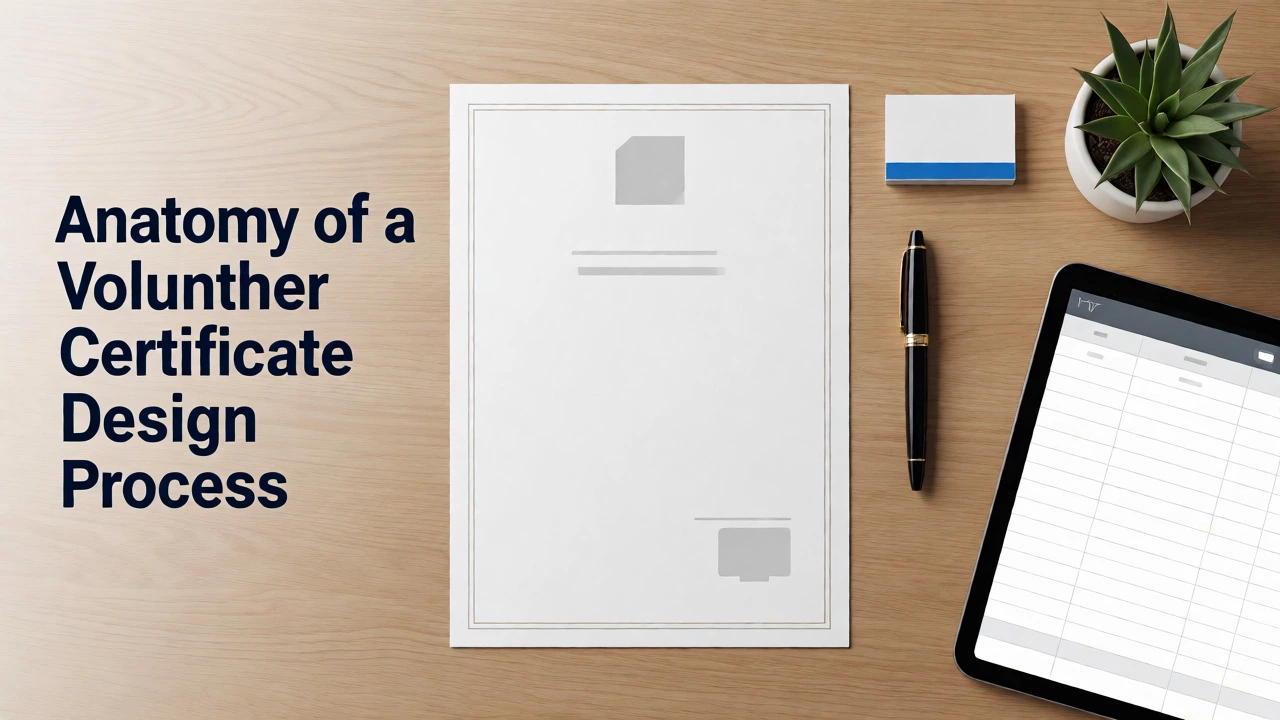
The Anatomy of a Valid Certificate
A certificate isn’t art; it’s a document with specific functional parts. If you miss one, it might get rejected by a university admissions board or a government agency. Here are the non-negotiable elements every certificate of appreciation must have:
- Recipient Name: Full legal name, not a nickname. Check your database before printing.
- Organization Name: Your official registered name. If you are part of a larger umbrella group (like United Way), include both.
- Description of Service: Be specific. "Community Helper" is vague. "Food Bank Sorting Assistant" is better. "Disaster Relief Logistics Coordinator" is best.
- Date Range or Total Hours: Did they serve once or over six months? State the dates (e.g., Jan 1 - Mar 30) or total hours (e.g., 50 hours). Both are ideal if space permits.
- Signature Block: Needs a real human signature, usually the Program Director or Executive Director. A typed name looks lazy.
- Date of Issue: When was this certificate generated? This prevents fraud claims about old dates.
- Official Seal or Logo: Visual authority. Use your high-resolution logo. If you have a stamp, use it.
Notice what’s missing? No flowery language like "For being awesome." Keep it factual. Facts survive audits; adjectives don’t.
Digital vs. Physical: Which Format Wins?
This is the biggest debate in volunteer management today. Should you print fancy cardstock or send a PDF via email? The answer depends on your audience and budget.
| Feature | Physical Certificate | Digital/PDF Certificate |
|---|---|---|
| Cost per Unit | $0.50 - $2.00 (paper + ink + shipping) | $0.00 (email bandwidth only) |
| Perceived Value | High. Tangible. Can be framed. | Moderate. Easy to lose in inbox. |
| Verification Speed | Slow. Days or weeks for mail. | Instant. Seconds after completion. |
| Fraud Resistance | Low. Easy to photocopy/edit. | Medium. Can include QR codes/links. |
| Best For | Awards ceremonies, long-term commitments, donors. | One-time events, youth programs, high-volume groups. |
If you run a small local shelter, physical certificates feel personal. You hand them out at a pizza party. But if you manage 500 volunteers for a marathon, sending emails is the only sane option. Hybrid models work too: send a digital copy immediately for their records, then offer a printed version upon request.
Designing the Layout Without Being a Graphic Designer
You don’t need Adobe InDesign. Microsoft Word, Canva, or even Google Docs can do the job. The key is hierarchy. The eye should land on the recipient's name first, then the organization, then the details.
Use borders sparingly. A thick border screams "template." A thin, elegant line suggests professionalism. Stick to two fonts maximum. One serif font for the body text (like Times New Roman or Garamond) looks traditional and serious. One sans-serif font for headers (like Arial or Helvetica) looks modern. Avoid Comic Sans unless you are certifying kindergarteners.
Color psychology matters here. Blue conveys trust and stability-good for medical or legal volunteering. Green suggests growth and environment-perfect for park cleanups. Red implies urgency or passion-great for disaster relief. Match the color scheme to your brand guidelines, but keep the background white or off-white for readability.
The Workflow: From Sign-In Sheet to Signed Document
How do you actually generate these without losing your mind? Follow this three-step workflow.
- Data Collection: Ensure your sign-in sheets capture full names and hours accurately. If you use software like VolunteerHub or Salesforce Nonprofit Cloud, export the report. If using paper, type the data into a master Excel spreadsheet. Clean the data now. Fix typos before generating certificates.
- Template Merging: Use "Mail Merge" in Word. Connect your Excel sheet to your Word template. Map the fields: [Name], [Hours], [Role]. Preview the results. This step catches formatting errors where names are too long for the line.
- Review and Sign: Print a batch of five. Check alignment. Then, either physically sign them or use a digital signature tool like DocuSign or Adobe Acrobat. If signing digitally, ensure the signature image is high-res. Don’t scan a shaky pen mark.
Pro tip: Always add a unique ID number to each certificate. "Cert #2026-045" allows anyone verifying the claim to call you and say, "Do you have a record for ID 045?" It adds a layer of authenticity that plain text lacks.
Common Mistakes That Ruin Credibility
I’ve seen certificates rejected because of avoidable errors. Here’s what to watch for.
Vague Descriptions: "Volunteered at Charity X" tells me nothing. Did they pack boxes? Tutor kids? Drive vans? Specify the role. It helps the volunteer explain their experience in interviews.
Missing Contact Info: Put your phone number and website URL at the bottom. If a recruiter calls to verify, they need to reach you easily. If you don’t answer, the certificate is worthless.
Inconsistent Hours: If one volunteer gets a certificate for "10 hours" and another for "10.5 hours," round consistently. Decide if you round to the nearest half-hour or whole hour. Stick to it. Inconsistency looks sloppy.
Outdated Logos: Rebranding happens. Using a logo from three years ago makes your organization look stagnant. Update your templates annually.

Legal and Tax Implications
Does a certificate prove anything legally? Mostly, no. It’s a statement of fact, not a contract. However, for IRS tax deductions, volunteers cannot deduct the value of their time. They can deduct expenses like mileage or supplies. A certificate doesn’t replace receipts, but it supports the narrative of charitable activity.
For court-ordered community service, the rules are stricter. Courts often require specific forms provided by the judge. A generic thank-you note won’t satisfy a probation officer. Check with the local judicial district if you are hosting court-mandated volunteers. Often, you’ll need to sign a separate government form in addition to your internal certificate.
Automating the Process for Scale
If you issue more than 50 certificates a month, manual creation fails. Look into volunteer management platforms. Tools like VolunteerHub, BetterImpact, or Salesforce Nonprofit Cloud allow you to set triggers. When a volunteer logs 100 hours, the system auto-generates a PDF and emails it. You review the queue once a week instead of typing every day.
Even if you don’t buy software, you can automate with free tools. Zapier can connect your Gmail attachments to Dropbox folders. Or use Google Forms for sign-ins, which feeds directly into Sheets, which can trigger Apps Script to generate docs. Tech stack choices depend on your budget, but automation frees you to focus on relationships, not paperwork.
Beyond the Paper: Building a Culture of Recognition
A certificate is the end of the transaction, but recognition shouldn’t stop there. Pair the document with a public shout-out. Post a photo of the volunteer receiving it on social media (with permission). Tag them. Write a LinkedIn recommendation. These micro-affirmations cost nothing but build immense loyalty.
Consider tiered recognition. Bronze for 25 hours, Silver for 50, Gold for 100. Differentiate the design slightly for each tier. Maybe the Gold certificate has a foil stamp or a different border color. This gamifies volunteering subtly and encourages longer commitment.
Remember, the goal isn’t just to hand out paper. It’s to show respect for someone’s most valuable asset: their time. Treat the certificate creation process with the same care you treat the volunteer themselves.
Do I need to pay for a professional designer to make a volunteer certificate?
No, not necessarily. Most organizations use free templates from Canva, Microsoft Office, or specialized nonprofit sites. As long as the layout is clean, fonts are readable, and all required data fields are present, a DIY approach works perfectly. Save the designer budget for major annual galas or strategic branding projects.
Can a volunteer use the certificate for tax deductions?
Generally, no. The IRS does not allow taxpayers to deduct the monetary value of donated services or labor. Volunteers can only deduct out-of-pocket expenses related to the service, such as mileage, parking fees, or uniforms. The certificate serves as proof of participation, not a financial receipt for the time itself.
What if a volunteer loses their original certificate?
Keep a digital archive of every certificate issued, indexed by volunteer name and date. If a volunteer requests a replacement, you can reprint the exact same document or generate a new one with a current issue date noting it is a duplicate. Having a unique ID number on the original makes this retrieval process much faster.
Should I include the volunteer's age or school on the certificate?
Only if it is relevant to the program. For youth programs or internships, including the school name or grade level adds context for academic credit. For general adult volunteers, it is unnecessary clutter. Keep the certificate focused on the service rendered and the organization’s endorsement.
Is a digital signature valid on a volunteer certificate?
Yes, in most contexts. For educational, corporate, and general nonprofit recognition, a high-quality digital image of a signature or an e-signature platform like DocuSign is widely accepted. However, for strict legal requirements or court-ordered service, check with the specific authority, as some may still require wet ink signatures.